Android call tracking
Pick up with the full story. Keep work calls, the lead, and your next follow-up together.
Work call
Lead history
Next step

Follow up on leads, track Android calls, and keep WhatsApp conversations in one CRM. Connect sales outcomes back to the ads that started them.
14-day trial · No credit card required · One core plan Google Ads
 Meta Ads
One lead. The full story.
An enquiry can come from your Google or Meta ads, your website, or another connected app. Bring it into Convertly with the source details shared by that connection, ready for your team to follow up.
Requires connected ad accounts and eligible lead data. Ad results aren’t guaranteed.
From first enquiry
to the next opportunity.
Know who called, what was discussed, and what needs to happen next—all alongside the lead.
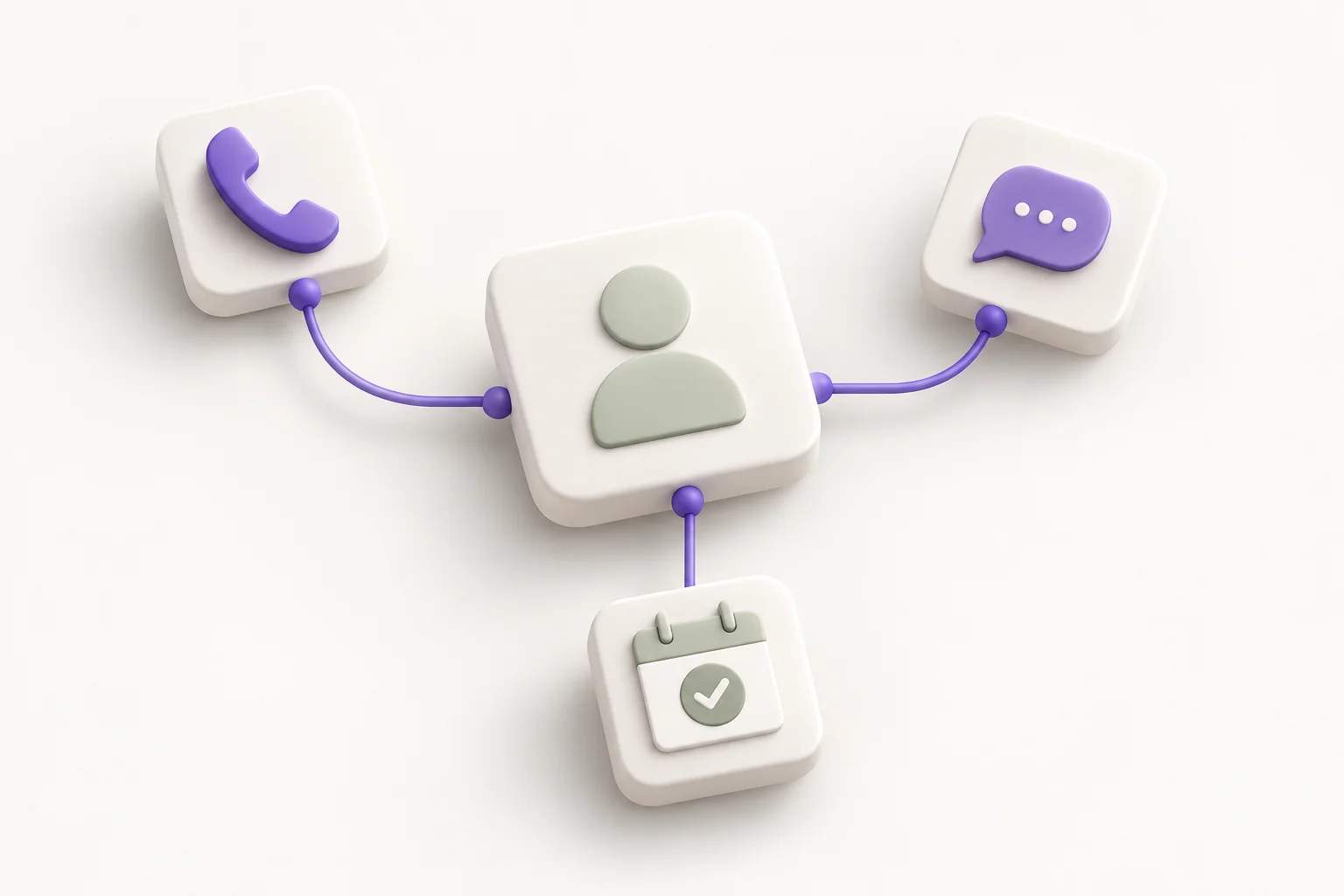
Pick up with the full story. Keep work calls, the lead, and your next follow-up together.
Continue the conversation without losing context. Messages and saved replies stay close to the lead.
Give the next step a time and an owner. Help your team return to the right lead when it matters.
Understand where leads move forward or get stuck. See the stages that need your team’s attention.
Your ad platforms see the click. Your team knows what happened next. Convertly brings those two sides together.
Source and campaign context come with it.
Calls, WhatsApp, and follow-ups stay connected.
Record a qualified lead or a closed deal.
Send eligible events through your configured connection.
Ask about your leads and follow-ups in plain language. Get a lead summary before a call, understand the reasons behind a score, and find where your team needs to focus.
Which leads need a follow-up?
In this example, three assigned leads have a next step that is past due.
Review the records, then decide who to contact first.
Bring new enquiries from your website, ad campaigns, and other applications into Convertly. Less copying between tools. More time to follow up.
Not sure about an app? Ask us about connecting it.
All your leads.Assign a lead. Plan a follow-up. Keep moving.
Give new leads an owner, create the next task, or schedule a follow-up automatically. Set up the routine once so your team can focus on the conversation.
Explore everyday automationsA supported missed call is linked to a lead.
Use your conditions to choose who needs a follow-up.
Schedule a follow-up for the responsible teammate.
Follow the journey from new enquiry to closed deal. Spot slow stages, understand drop-offs, and find the leads that need a little more attention.
Explore Lead FlowWhere is time being spent?Review stage dwell time.
Where do opportunities drop off?Compare recorded stage transitions.
What needs your team's attention?Explore the underlying leads.
Leads, follow-ups, Android call tracking, WhatsApp conversations, advertising insights, automations, and AI assistance. Customer email, SMS, customer reminders, and WhatsApp AI replies are in development.
Your ad platforms know when someone clicks. Convertly helps them learn which enquiries become qualified leads or customers by sending eligible sales outcomes back to Google and Meta. Your connections need to be set up first; advertising results are not guaranteed.
Yes, when the connected source supplies the tracking information. That context stays with the lead as your team follows up. Missing information cannot always be recovered later.
Convertly connects with many tools, including through custom connections. Tell us which application you use and we can help you check the available options.
Standard includes the core CRM features in one plan. Add users and lead capacity as your team grows. Separate provider charges, AI allowances, and feature availability still apply.
Bring your leads, conversations, and next steps together in Convertly CRM.